
PC COMPUTERS
- Go to this link, enter in random information and click submit. (Information does not need to be correct in order to download)
- https://www.efi.com/support-and-downloads/download-registration/
- (insert picture)
- Refer to the picture below on which settings to choose (Customize to which Windows you use)
- When asked, "Do you want to allow this app to make changes to your device?", click "Yes."
- To find the printer, choose find a printer by "hostname or IP address" and enter "10.10.5.13" and click "Next"
- If asked, "Do not share this printer"
This should install the basic drivers for the printer. If there are features that you use that do not work, let us know. We will work with MRC to resolve these issues.
MAC COMPUTERS
- Go to this link and download the printer drivers for your computer:
- First run "Fiery Software Uninstall"
- Uninstall just the printer and driver software NOT the application (if anything shows up)
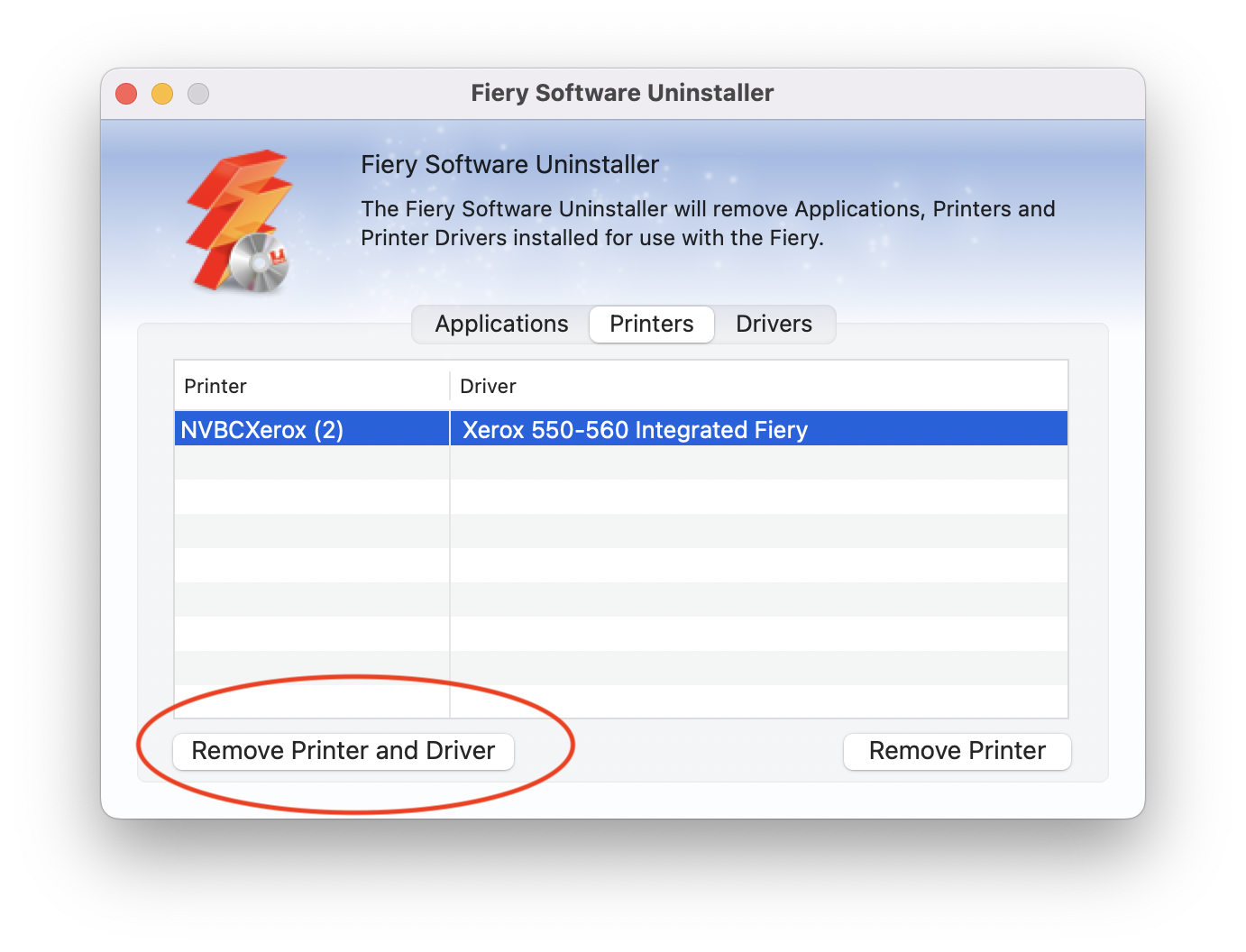
- Then follow the steps to install the printer drivers.
- It will search for a printer on the network, choose the available printer and click "Next" and "Install"
Comments
0 comments
Please sign in to leave a comment.